An independent concept project by 4sidedevelop. Screens and data are illustrative.
E-commerce & Customer Experience
Forma Store
Online store for home goods
A storefront concept for home objects: filters that narrow the choice, a product page that answers questions, a short checkout, and a back office for the catalog and orders.
- Category
- E-commerce & Customer Experience
- Proposed stack
- Next.js, TypeScript, Headless commerce platform (to be selected), Payment provider such as Stripe, Image CDN
- Status
- Concept — not a client project


01
The challenge
Someone buying a lamp or a chair wants to compare a few options, check dimensions and materials, choose a colour, and know when it will arrive. Many stores hide that information or ask for it again at checkout.
Behind the storefront, the shop team needs to keep the catalog current and process orders without switching between tools.
02
Who it’s for
Shopper
Browses, compares, chooses a variant, and checks out on desktop or phone.
Returning customer
Checks delivery status, finds past orders, and returns to saved favourites.
Store team
Edits products, variants, and photos, and processes incoming orders.
03
The proposed solution
The concept leads with photography and keeps the information a shopper needs close to the choice: variants, dimensions, stock, and a delivery estimate on the product page. The back office uses the same product model, so what the team edits is what the shopper sees.
Catalog with filters
Room, category, material, colour, and price.
Product page
Gallery, dimensions, materials, and care notes.
Colour and size
Price and availability update with the variant.
Favourites and cart
Saved items and a cart that shows delivery upfront.
Checkout and account
Three steps, then order status in the account.
Store admin
Catalog editing and an order list with fulfilment states.
04
Key workflows
1Find a product
- Step 1: Filter the catalog by room, material, or price.
- Step 2: Compare options in the grid and save favourites.
- Step 3: Open the product page for details and dimensions.
2Choose a variant and buy
- Step 1: Select a colour and size; price and stock update.
- Step 2: Add to the cart and review the delivery estimate.
- Step 3: Check out in three steps: contact, delivery, payment.
3Track a delivery
- Step 1: The order confirmation links to the account.
- Step 2: The order page shows each stage, from confirmed to delivered.
4Update the catalog
- Step 1: The team edits a product, its variants, and photos.
- Step 2: Stock and prices are set per variant.
- Step 3: Changes are previewed and published.
05
Screens
Illustrative screens with sample data, designed for this concept.
06
Design decisions
Photography first, interface second
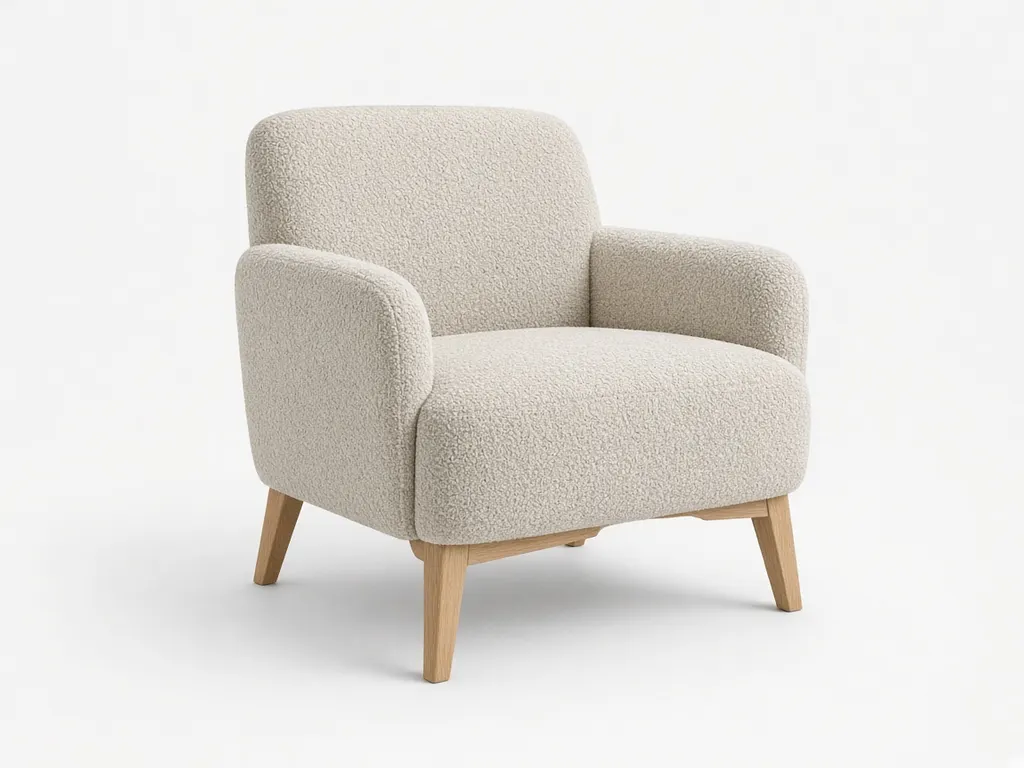
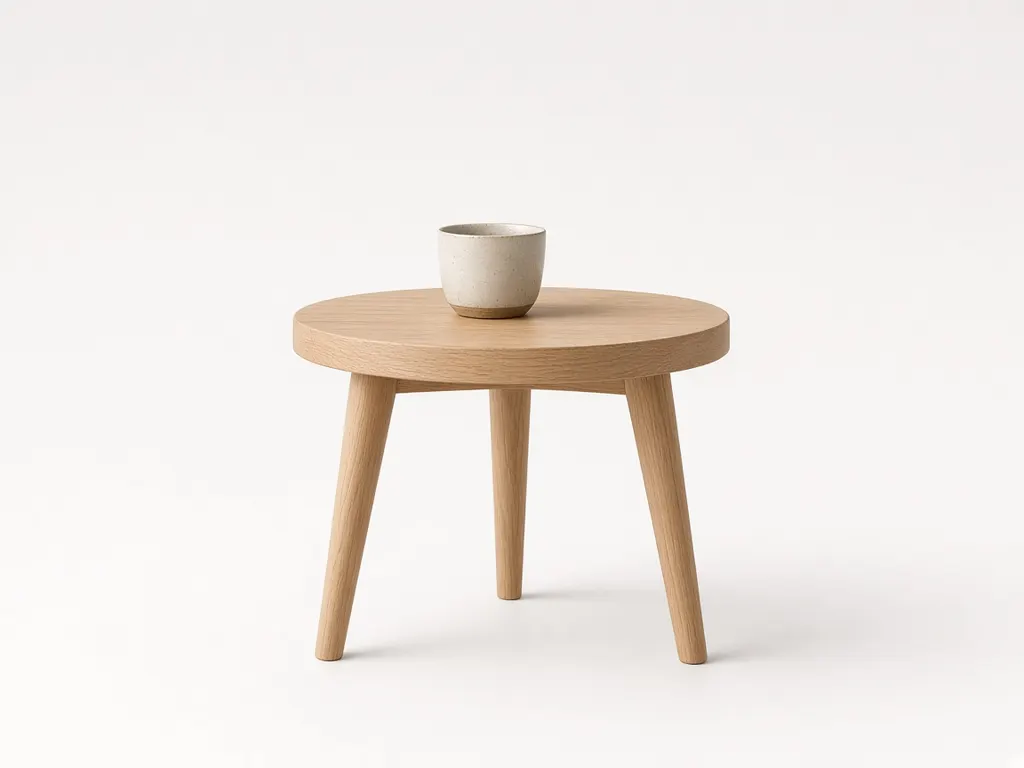
Large images on a quiet white page, with type and controls kept light so the products carry the page.
The variant drives everything
Choosing a colour or size updates the photo, price, stock, and delivery estimate together, so nothing contradicts the choice.
Delivery before checkout
An estimated delivery window is shown on the product page and in the cart, not revealed on the last step.
Admin mirrors the storefront
Products in the back office use the same structure and photos as the shop, which makes editing less abstract.
07
What to validate
The concept is a starting point. These questions would be tested with users and resolved during implementation.
- Which filters shoppers actually use for home goods: room, material, dimensions, or price.
- Whether the product page answers enough to reduce questions before purchase.
- Guest checkout versus creating an account.
- Delivery options and how estimates are calculated for bulky items.
- Photography workflow and image rights for new products.
Proposed stack: Next.js, TypeScript, Headless commerce platform (to be selected), Payment provider such as Stripe, Image CDN. The screens on this page were built with React and Tailwind CSS for this demonstration. Product photographs were generated for this demonstration.
Have a similar project?
Tell us about the workflow you want to change. We reply with a clear next step, not a pitch deck.